Business Cloud Hosting
Monstrous power.
For your most
demanding projects.
Cloud hosting for WordPress, with more powerful servers, fewer websites per server and priority support. Built for businesses that need more from their hosting.
Cloud hosting in the EU or the US. No lock-in or catches in the small print. Renewals at the same price.

Built to keep up with your business
One website. Three levels of power.
Every plan includes priority support, two staging environments and the same performance and security tools. What changes is the processing power, storage and data transfer available to your website. Need more? Upgrade in seconds, without interruption.

Core
High-performance hosting for business websites and online shops.
- 1 WordPress website
- 2 vCPU and 4 GB RAM
- 30 GB of storage
- 1 TB of monthly data transfer
- 2 staging environments
- Backups every 6 hours, kept for 30 days
- Email included
- Priority specialist WordPress support
- Website and email migration included

Pro
More power for high-traffic sites and online shops handling lots of orders.
- 1 WordPress website
- 4 vCPU and 8 GB RAM
- 60 GB of storage
- 2 TB of monthly data transfer
- 2 staging environments
- Backups every 6 hours, kept for 30 days
- Email included
- Priority specialist WordPress support
- Website and email migration included

Max
Maximum power for the most demanding WordPress sites.
- 1 WordPress website
- 6 vCPU and 12 GB RAM
- 100 GB of storage
- 4 TB of monthly data transfer
- 2 staging environments
- Backups every 6 hours, kept for 30 days
- Email included
- Priority specialist WordPress support
- Website and email migration included
When you need more from your website
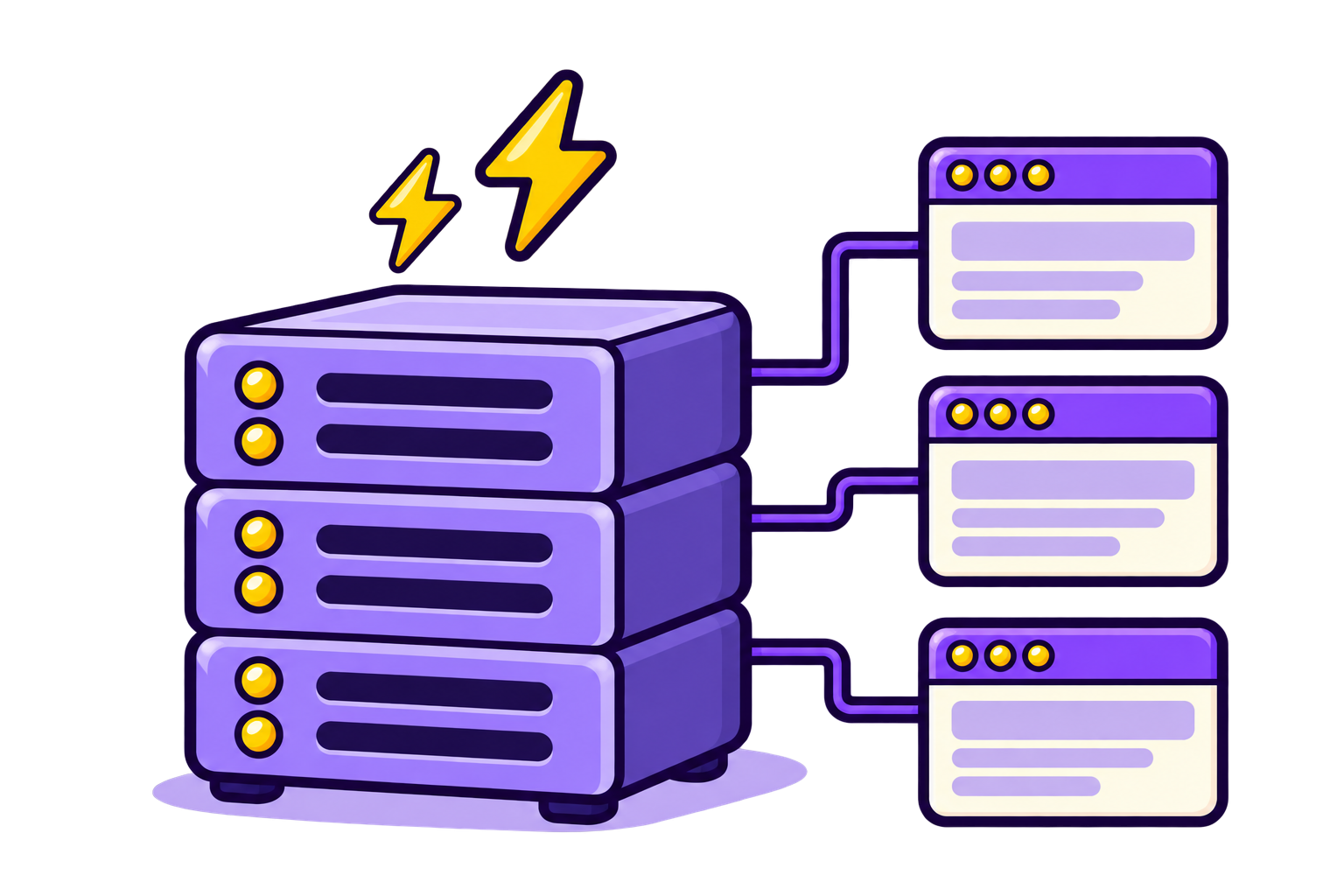
More powerful servers. Up to 20 sites per server.
Processing orders, searching thousands of products or handling a flood of visitors from an advertising campaign puts your website to the test. When things get busy, your WordPress needs the power to keep up.
Business Cloud Hosting uses more powerful cloud servers, with no more than 20 websites on each to reduce competition for resources. Your WordPress gets guaranteed resources above those available with WCH: more CPU and memory, higher disk read and write capacity, and more room to run processes and store files.

Optimised for WordPress, from end to end
More speed, not just more power.
NVMe SSDs speed up reading and writing data. OPcache and per-site Redis avoid repeating unnecessary work. We also fine-tune the web server, PHP and database so WordPress responds quickly and makes better use of its resources as activity increases.
WebMonster Performance Engine brings our optimisations, server caching and your WordPress website together. Many requests can then be served without generating the content from scratch, cutting loading times and freeing up resources for tasks that need them.
Protection in multiple layers
Your website is vital to your business. So is its security.
Your WordPress website and staging environments each run in their own isolated container. We apply server-level security measures and WordPress-specific rules, with protection against brute-force attacks, malware, bots, malicious traffic and DDoS attacks.
If you need to recover an earlier version, geo-redundant backups are taken every 6 hours and kept for 30 days. You can also create a backup before an important change and restore from the control panel, with help from our support team when you need it.


Priority specialist WordPress support
When you need help, your request takes priority.
A blank screen, an error you can't make sense of or settings that just won't work. We investigate hosting problems and common WordPress issues, explain what's happening and help you find a solution.
With Business Cloud Hosting, your requests receive higher priority. And if you have a serious incident, you can submit an emergency support request at any time, including weekends and public holidays.
More resources, without interrupting your website
Need more power?
Upgrade in seconds.
If you need more resources, you can upgrade your plan from the WebMonster control panel. Once you purchase the upgrade, the new limits apply automatically within seconds, without interrupting the service.

If you only need more storage or monthly data transfer, you can increase either with an add-on, without changing plans.
It's all in the details
Much more than raw power.
Compare resources, explore the included tools and see exactly where each plan's limits lie.

Guaranteed resources
More powerful servers with guaranteed resources, an optimised configuration and no more than 20 websites per server.

Two staging environments
Prepare changes and test updates without working directly on your live website.

Priority support
Specialist WordPress help, with higher priority for your support requests.

Backups every 6 hours
Automatic geo-redundant backups, kept for 30 days and available to restore from the control panel.
| Features | Core | Pro | Max |
|---|---|---|---|
| Plan capacity | |||
| WordPress websites | 1 | 1 | 1 |
| Total storage (soft limit) | 30 GB | 60 GB | 100 GB |
| Monthly data transfer (soft limit) | 1 TB | 2 TB | 4 TB |
| Guaranteed resources per website | |||
| vCPU | 2 | 4 | 6 |
| RAM | 4 GB | 8 GB | 12 GB |
| I/O | 60 | 80 | 100 |
| IOPS | 6144 | 8192 | 10240 |
| nproc | 60 | 80 | 100 |
View all featuresHide additional features
| Features | Core | Pro | Max |
|---|---|---|---|
| WordPress and deployment | |||
| Managed WordPress on cloud infrastructure | Included | Included | Included |
| Isolated container per website | Included | Included | Included |
| Staging environments per website | 2 | 2 | 2 |
| Create, delete and rebuild staging environments | Included | Included | Included |
| Cloning and deployment to production | Included | Included | Included |
| WordPress installer and management tools | Included | Included | Included |
| Plugin, theme and user management | Included | Included | Included |
| Debug mode and direct access | Included | Included | Included |
| Data, domains and email | |||
| MariaDB databases per website | 3 | 3 | 3 |
| File manager and phpMyAdmin | Included | Included | Included |
| Database users, privileges, import and export | Included | Included | Included |
| Remote database access by IP address | Included | Included | Included |
| DNS editor, DNSSEC and DKIM | Included | Included | Included |
| Local or remote email routing | Included | Included | Included |
| Aliases, subdomains and redirects | Included | Included | Included |
| Email accounts | Unlimited | Unlimited | Unlimited |
| Webmail, spam filtering, phishing and malware protection | Included | Included | Included |
| Forwarding, automatic replies and catch-all | Included | Included | Included |
| Backups and security | |||
| Automatic backups | Every 6 hours | Every 6 hours | Every 6 hours |
| Retention | 30 days | 30 days | 30 days |
| On-demand and geo-redundant backups | Included | Included | Included |
| Website, database, email, file or account restoration | Included | Included | Included |
| Backups don't count towards your storage allowance | Included | Included | Included |
| Automatic Let's Encrypt SSL certificates | Included | Included | Included |
| Optional HTTPS enforcement from the control panel | Included | Included | Included |
| TLS 1.2 and 1.3 | Included | Included | Included |
| Security Engine, WAF and WordPress hardening | Included | Included | Included |
| Malicious IP blocking | Included | Included | Included |
| DDoS, bot and brute-force protection | Included | Included | Included |
| Performance and tools | |||
| Selectable PHP version (7.4–8.5) | Included | Included | Included |
| PHP extensions, php.ini editor and PHP restart | Included | Included | Included |
| Isolated Redis per website | Included | Included | Included |
| NVMe SSDs and OPcache | Included | Included | Included |
| WebMonster Performance Engine | Included | Included | Included |
| NGINX optimisations and platform caching | Included | Included | Included |
| Key-based SSH, SFTP and WP-CLI | Included | Included | Included |
| Multiple SSH and SFTP users | Included | Included | Included |
| Cron jobs, logs and statistics | Included | Included | Included |
| Service | |||
| Priority specialist WordPress support | Included | Included | Included |
| Basic debugging and best-effort recovery | Included | Included | Included |
| Website and email migration | Free | Free | Free |
| Add-ons and limits | |||
| Additional storage add-on | Available | Available | Available |
| Additional monthly data transfer | Available | Available | Available |
| WordPress Multisite | Not included | Not included | Not included |
| Multiple WordPress installations in one container | Not included | Not included | Not included |

Moving your website and email to WebMonster is easy
You don't have to move a single file or mailbox yourself. Just tell us where your website and email are hosted now, and we'll take care of the move from there. It's quick, and it won't cost you a thing.
30-day money-back guarantee
You're going to love WebMonster. We're pretty sure of it. But if you're not happy, let us know within 30 days of signing up and we'll refund your money. The guarantee covers hosting and email, but not other services or domains (you can't unregister a domain). And cancelling is even easier than signing up. As it should be.


No small print
The drawbacks. In big print.
We're not for everyone, and that's fine. Here we explain the limits of our services and what we don't include, so you know what to expect. This isn't a marketing trick. We'd genuinely like to see more companies do the same.

Frequently asked questions
Questions you might have
What's the difference between WordPress Cloud Hosting and Business Cloud Hosting?
WordPress Cloud Hosting lets you host one or more websites, with the same per-site CPU and memory limits across all plans. Upgrading lets you host more websites, but doesn't increase the processing power of each one.
Business Cloud Hosting is designed for a single, more demanding website. It uses more powerful servers, with no more than 20 websites per server, and offers more resources according to the plan you choose. It also includes priority support, two staging environments and backups every 6 hours.
How do I know if my website needs Business Cloud Hosting?
It may be a good fit if your website receives lots of visitors during advertising campaigns, runs a busy online shop, serves many users at once or runs resource-intensive processes.
It may also suit you if your website is business-critical and you need more headroom for traffic spikes, priority support, more frequent backups and two testing environments. If you're unsure, tell us about your website and we'll help assess the resources you need.
Will Business Cloud Hosting make my website faster?
Probably: we've seen WordPress websites load noticeably faster as soon as they move to WebMonster, thanks to WebMonster Performance Engine and server caching.
Business Cloud Hosting provides more processing power, more memory and infrastructure optimised for WordPress. If your current hosting is limiting performance, that extra headroom can make a significant difference.
But adding resources won't fix a slow plugin, an inefficient query or an external integration that's slow to respond. Business Cloud Hosting gives your website a strong technical foundation, but doesn't include the regular work on your website's performance that comes with WebMonster Managed.
Can I host several websites on one plan?
Each plan includes one live website and two staging environments. These are for preparing and testing changes, not hosting additional public websites.
If you have several websites, you can purchase a Business Cloud Hosting subscription for each, or combine services: keep less demanding websites on WordPress Cloud Hosting and use Business Cloud Hosting for those that need more power.
Can I change plans without taking my website offline?
Yes. When you purchase an upgrade, the new limits apply automatically within seconds, without interrupting the service.
More visitors won't trigger an automatic paid upgrade: you decide when to upgrade.
Can I increase just storage or monthly data transfer?
Yes. You can purchase additional storage or monthly data transfer without changing plans. These add-ons don't increase the available CPU or memory.
Your plan's storage is shared between the website, databases, email and staging environments. Backups don't count towards your storage allowance.
Do I need to transfer my domain too?
No. You can keep your domain registered with another provider. Its DNS records will need to point to the relevant services; we'll explain the changes required.
What does WordPress support include?
It includes questions, general technical assistance and help diagnosing and resolving common issues within the scope of hosting support.
It doesn't include custom development, design changes, proactive maintenance or unlimited support for third-party plugins and integrations. If you need these services, take a look at WebMonster Managed and WebMonster Pros.
Is emergency support available 24/7?
Yes. If you have a serious incident, open a support request from the control panel with emergency priority.
This doesn't mean we handle every question or task at any hour, and it doesn't guarantee an instant response.
Can I use another provider for email?
Yes. You can use the email included with Business Cloud Hosting or keep it elsewhere by configuring the relevant DNS records. You don't need to move your email to host your website with us.
Ready for hosting with principles?
Choose your plan in a minute. No lock-in, no small print and 30 days to give it a proper try.